Aescripts Parallel v1.1.1 For Premiere Pro
Premiere CC 2022+ | v1.1.1 | 1.85 MB
Aescripts Parallel v1.1.1 – Free Download Plugins
Free Download Aescripts Parallel v1.1.1 for Premiere Pro — A powerful extension designed to synchronize and insert clips by timecode directly into your sequence with flexible control.
Synchronize Clips Effortlessly by Timecode in Premiere Pro
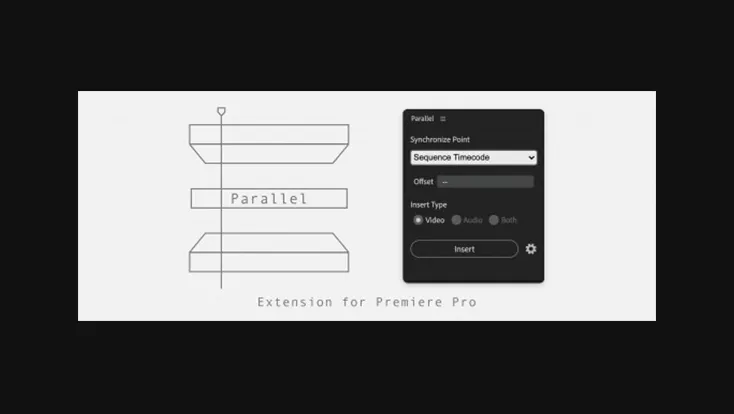
Parallel is an extension for Adobe Premiere Pro that allows you to insert clips selected in the Project Panel into the current sequence using five different sync point methods. When inserting, the priority is given to the track location of the clip. If the target track is already occupied, the clip will automatically be placed on the track above.
Sync Methods Available
- Sequence Timecode
Inserts selected clips into the sequence at the same timecode as each clip’s original timecode. You can also set an Offset time to adjust the insertion point as needed. - Selected Clips Timecode
Places clips from the Project Panel into the sequence, matching the timecode of clips already selected in the sequence (all selected clips must be from the same track). The Offset time can be set to shift the inserted clip’s timing. - Project Items In-Point
Stacks clips in the sequence based on each clip’s In Point from the Project Panel. When using Offset time, it is applied stepwise relative to the In Point, creating a staggered arrangement. - Project Items Out-Point
Stacks clips using each clip’s Out Point. Offset time can also be applied stepwise here to adjust positioning relative to each Out Point. - Project Items Timecode
Aligns and stacks the selected clips’ timecode from the Project Panel into the sequence. In this method, Offset time is treated as a timecode, allowing you to set a uniform in point across all clips.